
How to Withdraw BISP Payment from JazzCash / Easypaisa
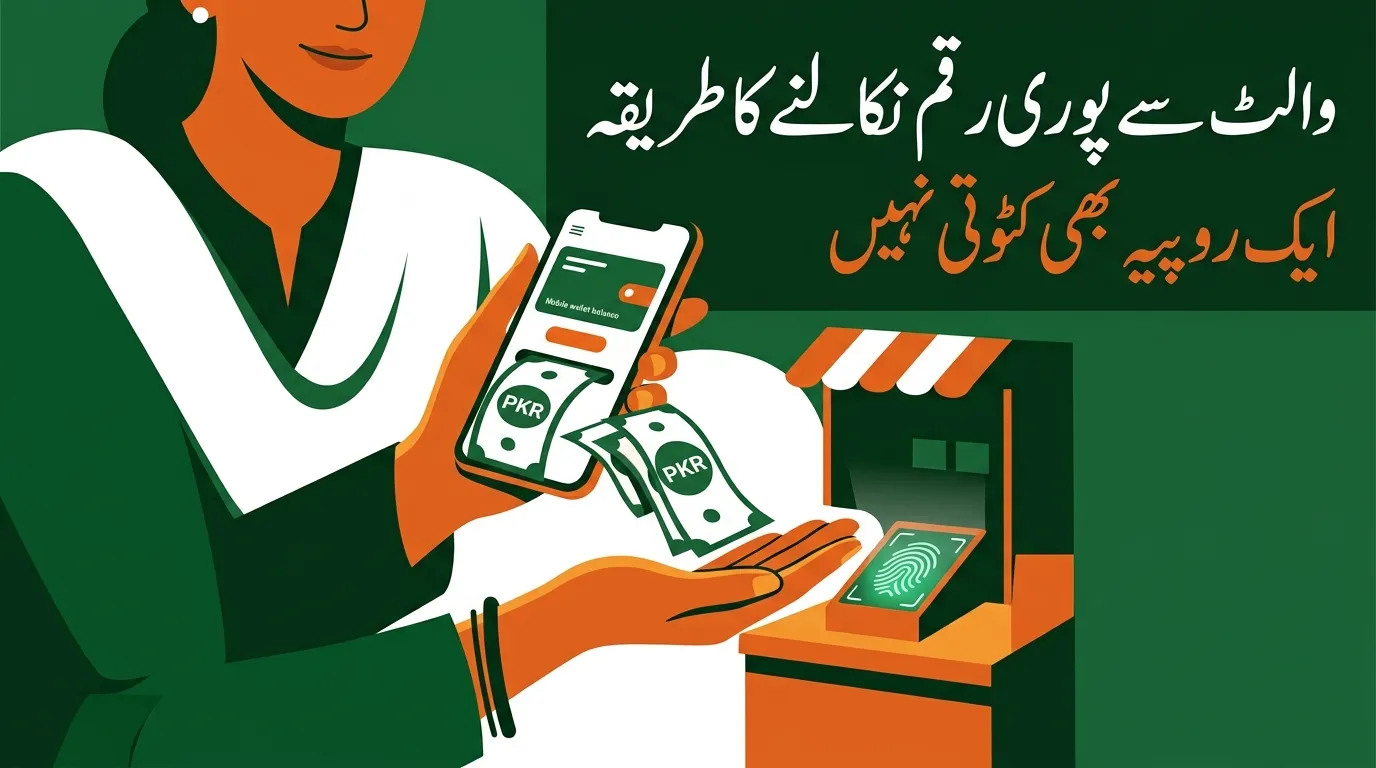
Once your BISP installment is credited to your digital wallet, you can take the cash out in three ways — visit an authorised JazzCash or Easypaisa retailer with your original CNIC and give your thumbprint, withdraw from a biometric ATM of your partner bank without any card, or keep the money in the wallet and use it directly for bills, top-ups and shopping. All three are free. No agent is permitted to deduct a single rupee.
Before any of that works, though, one thing has to be true: your wallet must already be assigned and activated by BISP. This is the step most people miss, and it is where most complaints come from. Let’s start there.
The Part Most Guides Get Wrong
The number 8171 is the official identity of the Benazir Income Support Programme’s public verification system. It You cannot simply download the JazzCash or Easypaisa app, open an account yourself, and expect BISP money to appear in it.
BISP assigns each beneficiary to a payment partner based on her district. Depending on where you live, that partner may be Easypaisa, JazzCash, HBL Konnect, Bank Alfalah or Bank of Punjab. You do not choose it, and you cannot switch it by opening a different app. If your district is assigned to Easypaisa, a JazzCash account you opened on your own will stay empty forever.
Alongside this, BISP has been distributing free Benazir SIMs to beneficiary women — more than eight million had been issued by mid-2026 — and opening Social Protection Wallets in their names. From July 2026, BISP moved to making payments exclusively through these digital wallets, phasing out the old cash camps and campsite collection.
So the real sequence is: find out which partner you have been assigned → activate your wallet → then withdraw.
Step 1: Confirm Your Payment and Your Provider
Check your status first so you know both that money has been released and where it went.
- Open the official portal at 8171.bisp.gov.pk and enter your 13-digit CNIC, or
- Send your CNIC in an SMS to 8171
Your result will confirm the installment amount and your assigned payment channel. You should also receive a confirmation SMS from 8171 when funds are credited.
Important: only trust messages that come from the sender ID 8171. Messages from ordinary mobile numbers or WhatsApp claiming your payment is ready are fraudulent, no matter how official they look.
Related reading: 8171 Web Portal Check Online 2026
Step 2: Make Sure Your SIM Is in Your Own Name
This single requirement blocks more payments than any other.
The mobile number linked to your wallet must be registered on your own CNIC. A SIM registered to your husband, son, brother or father will not work, even though they are immediate family. The system matches the SIM owner’s CNIC to the beneficiary’s CNIC, and a mismatch stops the transfer.
To check ownership, dial *668# from the SIM to see how many numbers are registered against that CNIC. If the SIM is in someone else’s name, take your original CNIC to a franchise of that network and have it transferred to you, or collect your free Benazir SIM from a BISP office or designated camp.
The Benazir SIM is issued free of charge. If anyone demands money for it, refuse and report them.
Step 3: Activate the Wallet
If your wallet has not been activated yet:
- Go to your nearest BISP tehsil office or designated camp.
- Take your original CNIC and the mobile phone with the SIM registered in your name.
- Complete biometric verification — a thumbprint scan.
- Wait for the confirmation SMS from 8171 telling you the wallet is active.
Only BISP staff and authorised partner agents can activate these wallets. Anyone else offering to “activate your account” is either useless or a fraudster.
Step 4: Withdraw Your Money — Three Methods
Method 1: Retailer or Agent Shop (easiest, no smartphone needed)
This works on any phone, including a basic keypad handset.
- Find an authorised JazzCash or Easypaisa retailer. Look for the official branded signboard.
- Bring your original CNIC — not a photocopy, not a photo on your phone.
- Tell the agent you want to withdraw your BISP payment.
- Complete biometric thumbprint verification on the agent’s device.
- Count the cash before leaving and collect your receipt.
The receipt is your proof if any dispute arises later. Always take it.
Method 2: Biometric ATM (no card required)
Partner bank ATMs, including HBL and Bank Alfalah machines, support cardless biometric withdrawal:
- Go to the ATM and select the BISP or social protection option on screen.
- Enter your CNIC number.
- Place your thumb on the scanner.
- Choose your amount and collect the cash.
Useful when agent shops are crowded or closed.
Method 3: Keep It in the Wallet and Spend Digitally
PaYou are not required to withdraw everything as cash. Money can stay in the wallet and be used to:
- Pay electricity, gas and water bills
- Buy mobile top-ups and bundles
- Send money to another wallet
- Pay at shops that accept wallet payments or QR codes
For many households this is safer than carrying cash home, and it avoids the queue entirely.
Related reading: BISP Kafalat Payment Schedule 2026
You Should Receive the Full Amount — Zero Deductions
The entire purpose of moving BISP to digital wallets was to eliminate the unauthorised “commission” that agents used to take at cash camps.
There is no legitimate fee for withdrawing your BISP payment. Not for the SIM, not for wallet activation, not for the cash-out, not for biometric verification.
If an agent deducts money or refuses to hand over the full amount:
- Do not argue at the counter — note the shop name and location.
- Keep your SMS from 8171 showing the credited amount.
- Call the BISP helpline at 0800-26477.
- Or file a complaint at your BISP tehsil office, or through the complaint section of the official portal.
Deductions are reported and agents do lose their licences over them. Reporting works.
Common Problems and What to Do
| Problem | Likely cause | Solution |
|---|---|---|
| Money not received despite eligible status | Wallet not activated yet | Visit tehsil office with CNIC for biometric activation |
| Transfer failed | SIM registered in another person’s name | Transfer SIM to your CNIC at a network franchise |
| Thumbprint not verifying | Faded fingerprints, common with manual labour | Ask about the alternate verification process at a BISP office |
| Agent says “system down” | Often genuine network congestion | Try a different agent or a biometric ATM |
| Wallet shows zero balance | Payment released for a later phase | Re-check on the 8171 portal for your phase date |
| Forgot wallet PIN | — | Reset through the official app or the provider’s helpline only |
Safety Rules Worth Memorising
- Never share your PIN or OTP. Not with an agent, not with a caller, not with a relative. No genuine employee will ever ask.
- Never hand your CNIC to an agent to “keep.” Show it, then take it back.
- BISP does not operate on WhatsApp. Any WhatsApp group or number offering BISP services is fake.
- Download apps only from the official Play Store or App Store listings.
- Count your cash at the counter, before you step away.


