
Benazir SIM and Digital Wallet Registration 2026
BISP has changed how you get your money. Instead of standing in long campsite queues or dealing with agents who take a cut, every Benazir Kafalat payment is now moving through a free Benazir SIM linked to a digital wallet. If you haven’t registered yet, this guide walks you through exactly how to do it, who’s eligible, what documents to bring, and how to avoid the scams that target new users.
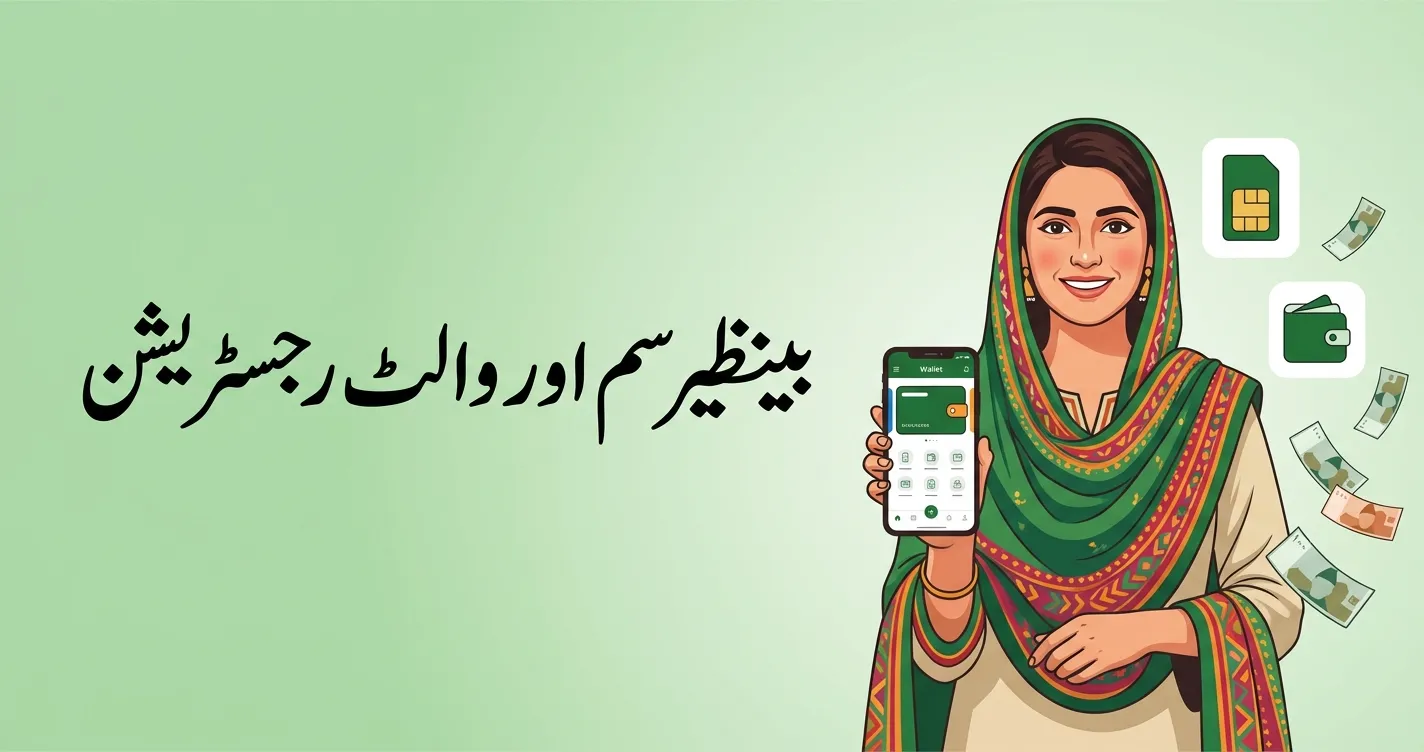
What is the Benazir SIM and digital wallet?
BefThe Benazir SIM is a free mobile connection issued through BISP’s partnership with Jazz and Telenor. Its job is simple: it links your identity (your CNIC) to a digital wallet so your quarterly installment lands directly on your phone.
The wallet itself works like a mobile payment account. Once it’s active, your Rs 14,500 installment is deposited straight into it, and you can withdraw the cash from any authorised JazzCash or Easypaisa agent — no campsite visit, no waiting in the sun, no deductions.
Before registering, confirm you are an active beneficiary. You can do this on the 8171 web portal or by sending your CNIC to 8171.
Who is eligible for the Benazir SIM?
Registration is specifically for beneficiaries who:
- Are active in the BISP program (already receiving or approved for Kafalat payments), and
- Have never received a Benazir SIM, or whose household was added after the first SIM distribution in their district.
If you’re not yet registered in BISP at all, you’ll first need to complete the NSER dynamic survey — see our separate guide on that.
How to register the Benazir SIM (step by step)
- Visit your nearest BISP Tehsil Office or Union Council desk. In 2026, registration was decentralised to the Union Council level, so it’s easier to reach. Offices run 9 AM–4 PM and are closed on weekends.
- Present your CNIC so staff can verify your identity and BISP record.
- Complete biometric (thumb) verification — this is mandatory. Without it, wallet activation is not possible.
- Collect your free registered SIM. If needed, staff will help issue it on your own CNIC.
- Insert the SIM into your phone; the officer activates it for you.
There is no online application for the SIM itself — it must be collected in person. Only payment checking can be done online or by SMS.
How to activate your digital wallet
Once your SIM is registered:
- Your wallet account is linked to your CNIC and SIM by the BISP staff.
- The system usually selects your wallet based on your SIM network (for example, a Jazz SIM links to JazzCash).
- Biometric verification confirms your identity and activates the account.
- Once active, your installment is credited automatically each quarter.
You can then withdraw cash, transfer money, or check your balance through the wallet app, ATMs, or authorised retailers. Biometric verification is required at the time of withdrawal.
How to withdraw your payment from the wallet
When your quarterly installment is released, the amount goes directly into your wallet. To collect it:
- Visit any authorised JazzCash or Easypaisa agent, or a partner bank ATM.
- Verify your fingerprint yourself — never let an agent do it on your behalf.
- Count your money on the spot; the amount is exactly Rs 14,500.
Wondering whether your payment has actually been released? See our guide on why your BISP payment may not be received for status meanings and fixes.
Common problems and solutions
| Problem | Solution |
|---|---|
| SIM not registered on your CNIC | Get it transferred or reissued on your own CNIC at the office |
| Biometric verification fails | Update your biometric data at NADRA, then return to the Tehsil office |
| Expired CNIC | Renew at NADRA first, then update your BISP record |
| Wallet not activating | Visit the Tehsil Office and confirm your status; complete any pending survey |
Avoid Benazir SIM scams
- The SIM and wallet are 100% free — never pay anyone to “register” or “activate.”
- BISP has no paid fast-track. Anyone offering one is a fraud.
- Trust only official SMS from 8171 and the portal 8171.bisp.gov.pk.
- Report anyone demanding money to the free helpline 0800-26477.
For official announcements, always rely on the Benazir Income Support Programme official website and the 8171 portal


