
FESCO Bill Online Check Guide 2026
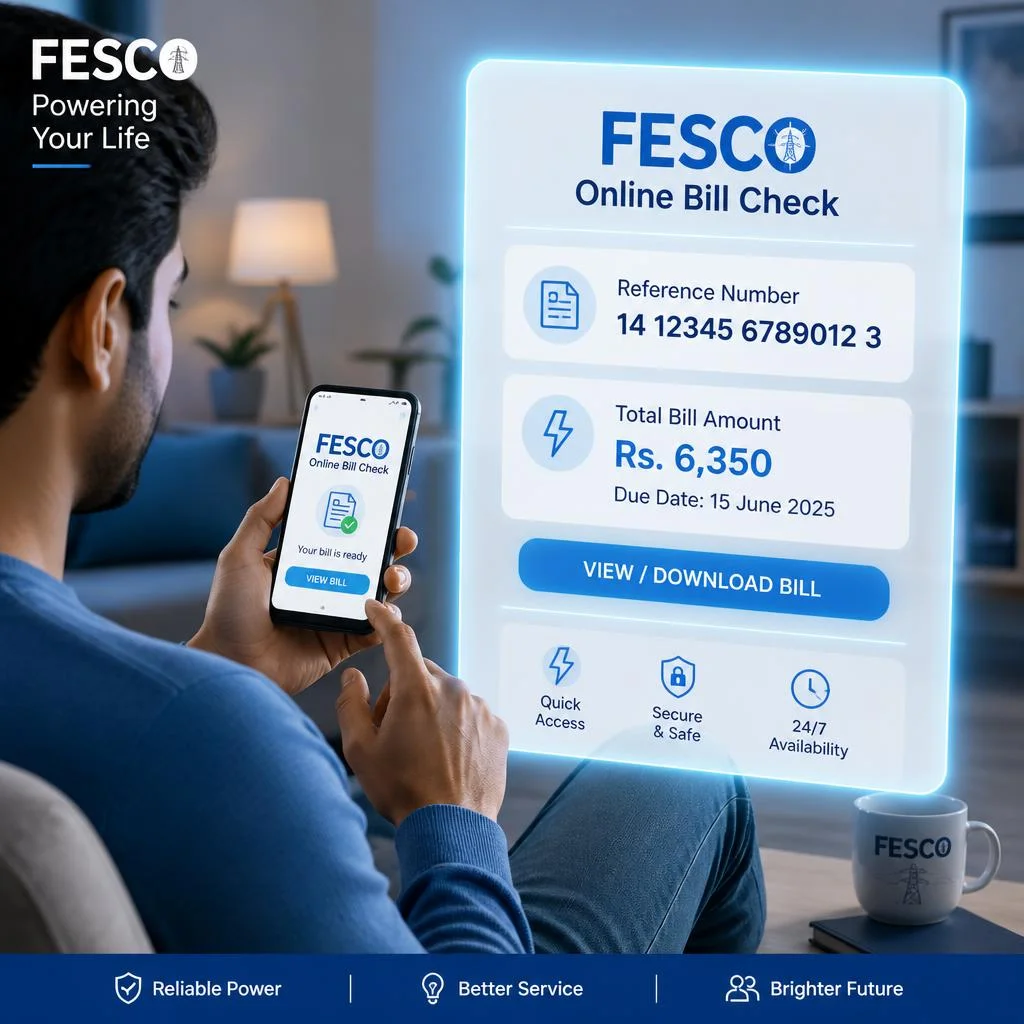
FESCO Online Bill Check Guide 2026
If you’ve ever rushed through drawers or searched your phone trying to find last month’s electricity bill just before the due date, you already understand why FESCO Online Bill Check has become so useful. Instead of depending on paper bills that can arrive late or get misplaced, consumers can now instantly view their complete electricity statement online using a phone or computer. It takes less than a minute to access your bill, check charges, and even download a duplicate copy without visiting any office.
This modern system by Faisalabad Electric Supply Company (FESCO) has removed traditional delays and made billing fully digital. Whether you are a domestic user, shop owner, or industrial consumer, you can check your monthly bill anytime through the official portal. Everything from units consumed to taxes, arrears, and due dates is available in real time, helping users avoid late payment issues and better manage electricity usage.
About FESCO
FESCO (Faisalabad Electric Supply Company) was established in 1998 and operates under Pakistan’s energy regulatory structure including NEPRA, CPPA, PITC, and WAPDA. It is one of the largest electricity distribution companies in central Punjab.
It serves over 5.4 million customers across an area of 44,247 sq km, covering major districts including Faisalabad, Sargodha, Toba Tek Singh, Jhang, Khushab, Mianwali, Chiniot, and Bhakkar. The company manages electricity distribution for domestic, commercial, industrial, and agricultural users through a structured network of circles, divisions, and sub-divisions.
What is FESCO Online Bill Check?
The FESCO online bill system allows users to access their electricity bill anytime without login or registration. All you need is either a 14-digit reference number or a 10-digit consumer ID found on your previous bill.
The system works on all browsers including Chrome, Safari, and Firefox and is accessible on both mobile phones and desktop computers. It provides updated billing details such as current month charges, arrears, due dates, and tariff information in real time.

How to Check Your Bill Online
To check your FESCO bill online:
- Open your browser and visit the official website fesco.com.pk
- Go to the bill inquiry section
- Enter your 14-digit reference number or consumer ID
- Click on “Generate Bill”
- Your electricity bill will appear instantly
The reference number usually starts with R (Rural) or U (Urban) followed by digits. The consumer ID is a simple 10-digit number without letters.

What You See on Your Bill
Your FESCO bill contains complete electricity usage details, including:
- Meter readings and units consumed
- Billing month and issue date
- Total amount due and due date
- Late payment surcharge (LPS) if applicable
- Tariff category (domestic, commercial, industrial, agricultural)
- Government taxes such as GST, TV fee, and fuel adjustments
- Peak and off-peak usage under TOU system
- Arrears and previous balances
- 12-month usage history
This structure helps users clearly understand how their electricity charges are calculated.
How to Print or Download Duplicate Bill
Once your bill is generated:
- Click the PDF or download option
- Save it on your device
- Press Ctrl + P (Windows) or Cmd + P (Mac) to print
- Adjust print settings and confirm
The duplicate bill is legally valid and accepted at banks and payment counters.
How to Pay Your FESCO Bill Online
You can pay your bill using multiple digital channels:
- JazzCash & Easypaisa mobile wallets
- Bank apps like HBL, UBL, MCB, Allied Bank
- NayaPay and SadaPay digital apps
- ATM and 1Link network payments
- Post office and authorized counters
Payments are usually instant, and it is recommended to pay at least 2 days before the due date to avoid late payment charges.
Domestic Tariff Slabs
Electricity pricing is divided into usage slabs:
- 0–50 units (Life Line): Rs 3.95
- 51–100 units: Rs 7.74
- 101–200 units: Rs 14.53
- 201–300 units: Rs 20.85
- 301–400 units: Rs 27.32
- 401–500 units: Rs 31.51
- 501–600 units: Rs 38.41
- 601–700 units: Rs 41.62
- 701+ units: up to Rs 49.10
Higher usage results in higher per-unit cost, making energy control important.
TOU (Time of Use) Metering
Under TOU billing:
- Peak hours: 48.27 Rs/unit
- Off-peak hours: 41.95 Rs/unit
Peak timing varies by season, usually in evening hours when demand is high. Using electricity during off-peak hours helps reduce monthly bills.
Bill Installment Scheme
FESCO offers installment plans for overdue bills based on amount:
- Up to Rs 50,000 → 4 monthly installments
- Up to Rs 5,00,000 → 5 monthly installments
- Above Rs 10,00,000 → up to 12 installments
Approval depends on designated officers from SDO level up to CEO depending on the amount.
Taxes, FPA & Surcharges
Your bill may include:
- FPA (Fuel Price Adjustment)
- FC Surcharge
- TR Surcharge
- GST
- TV Fee
- Late Payment Surcharge (LPS)
These are added based on fuel costs, government policies, and payment timing.
Common Problems & Solutions
Some common issues include:
- High bill due to heavy appliance usage or slab increase
- Wrong reference number entry
- Slow website during peak usage
- Missing bill data
- Meter reading errors
Most issues can be resolved by checking details carefully or contacting the customer service center.
Strategies to Reduce Your Bill
To reduce electricity costs:
- Use LED bulbs and energy-efficient appliances
- Shift heavy usage to off-peak hours
- Install inverter ACs
- Maintain AC filters regularly
- Consider solar panels with net metering
- Stay under 200 units for protected category benefits
Safety Tips When Checking Your Bill Online
- Always use the official fesco.com.pk website
- Avoid fake links and SMS scams
- Never share your reference number publicly
- Use personal devices only
- Ensure secure internet connection
FAQ’s
How can I find my reference number?
It is printed on your old electricity bill.
Can I check bill with CNIC?
No, usually only reference number or consumer ID works.
What happens if bill is late?
Late surcharge is added and disconnection may occur in extreme cases.
How to confirm payment?
Check via Easypaisa, JazzCash, or recheck bill status online.
How to reduce bill?
Use energy-saving appliances and stay within lower slab limits.


